
Product description
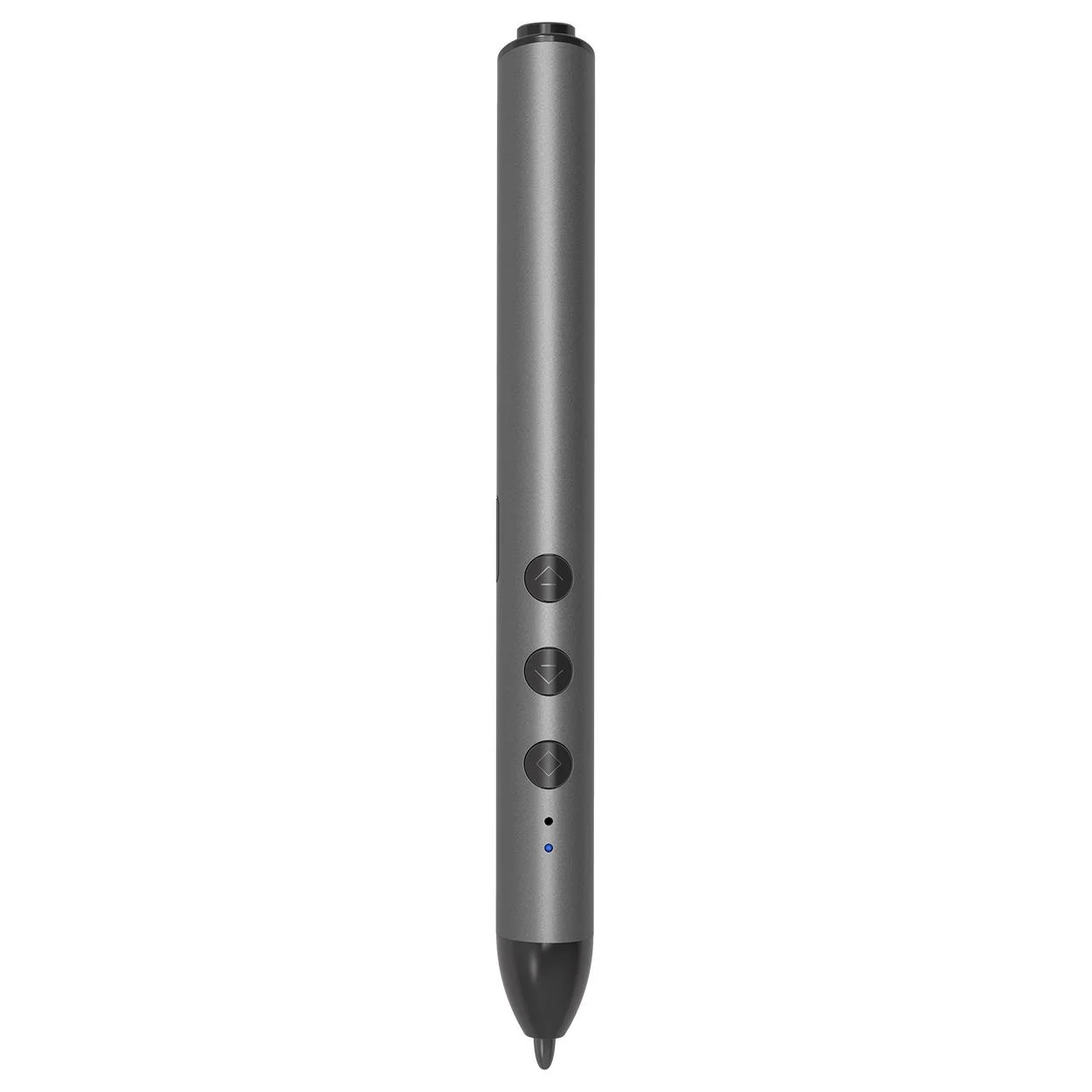
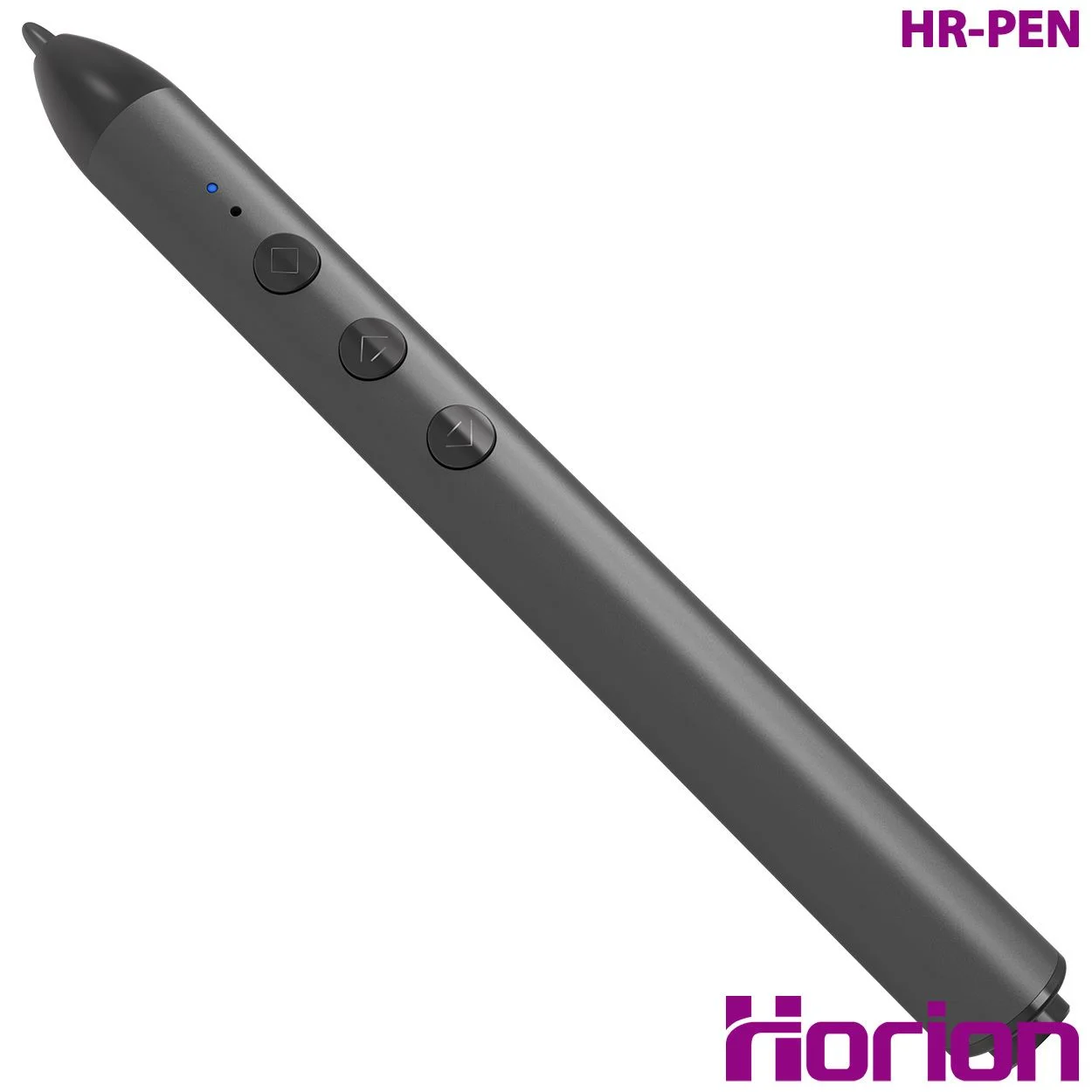
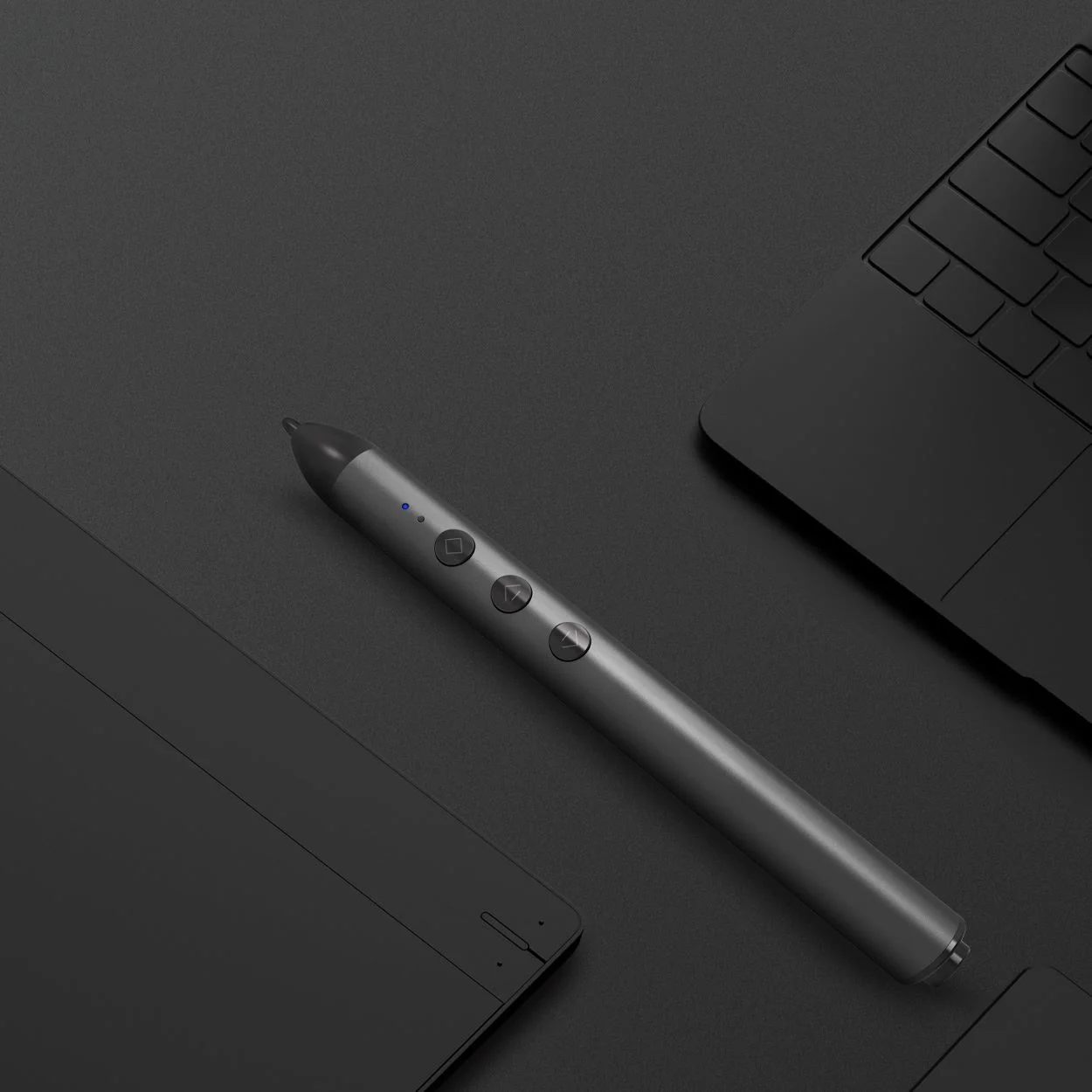
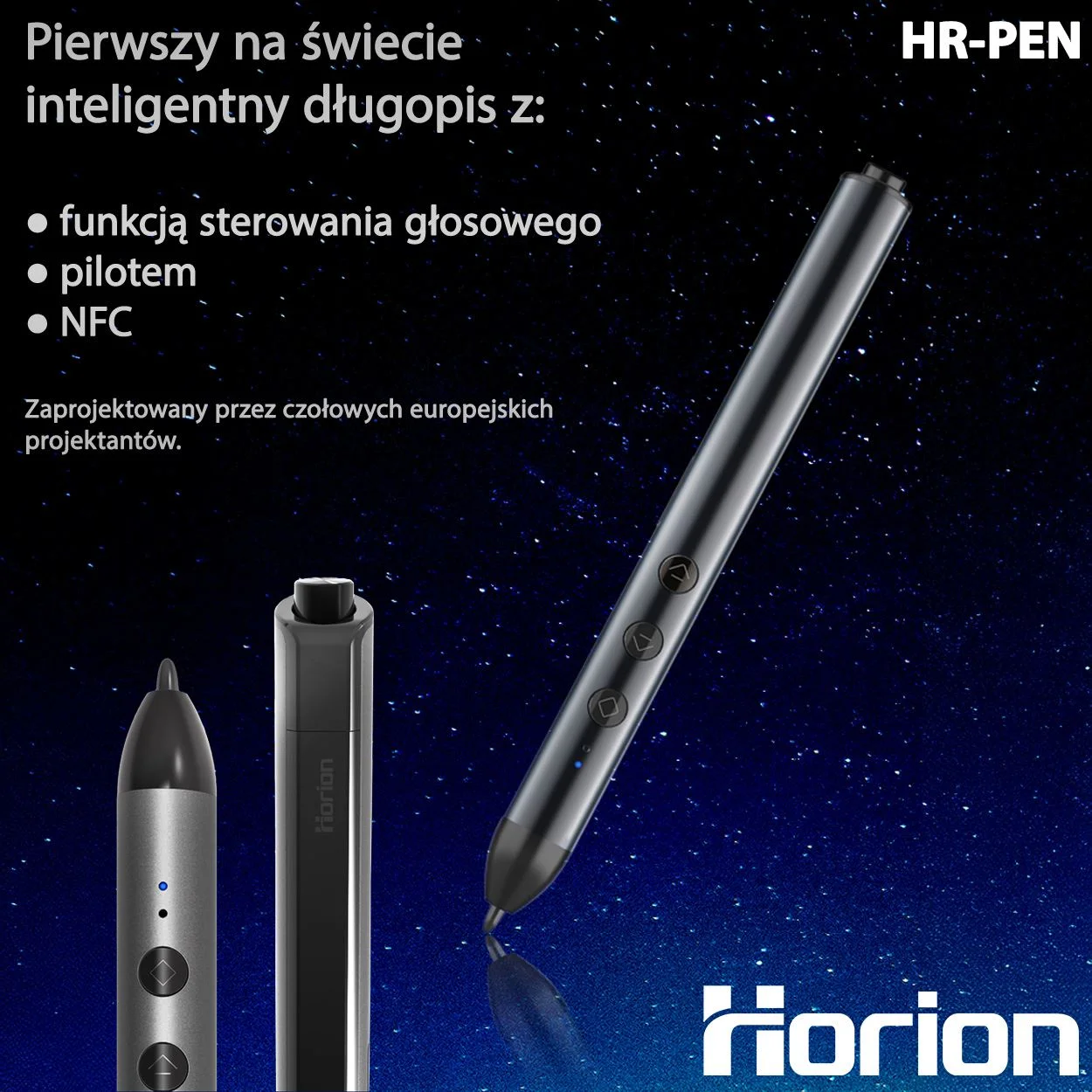
The Horion Smart Pen Stylus combines technology, comfort and style to make your presentations and meetings more effective than ever.
The Horion Smart Pen combines these functions:
1. Writing pen
2. Slide clicker (page turner)
3. Laser pointer (Spotlight)
4. Wireless mouse
5. Voice recognition
6. Whiteboard display
All of these functions are controlled with a single button, so you can run a presentation and write without any interruptions.
Key features and technology
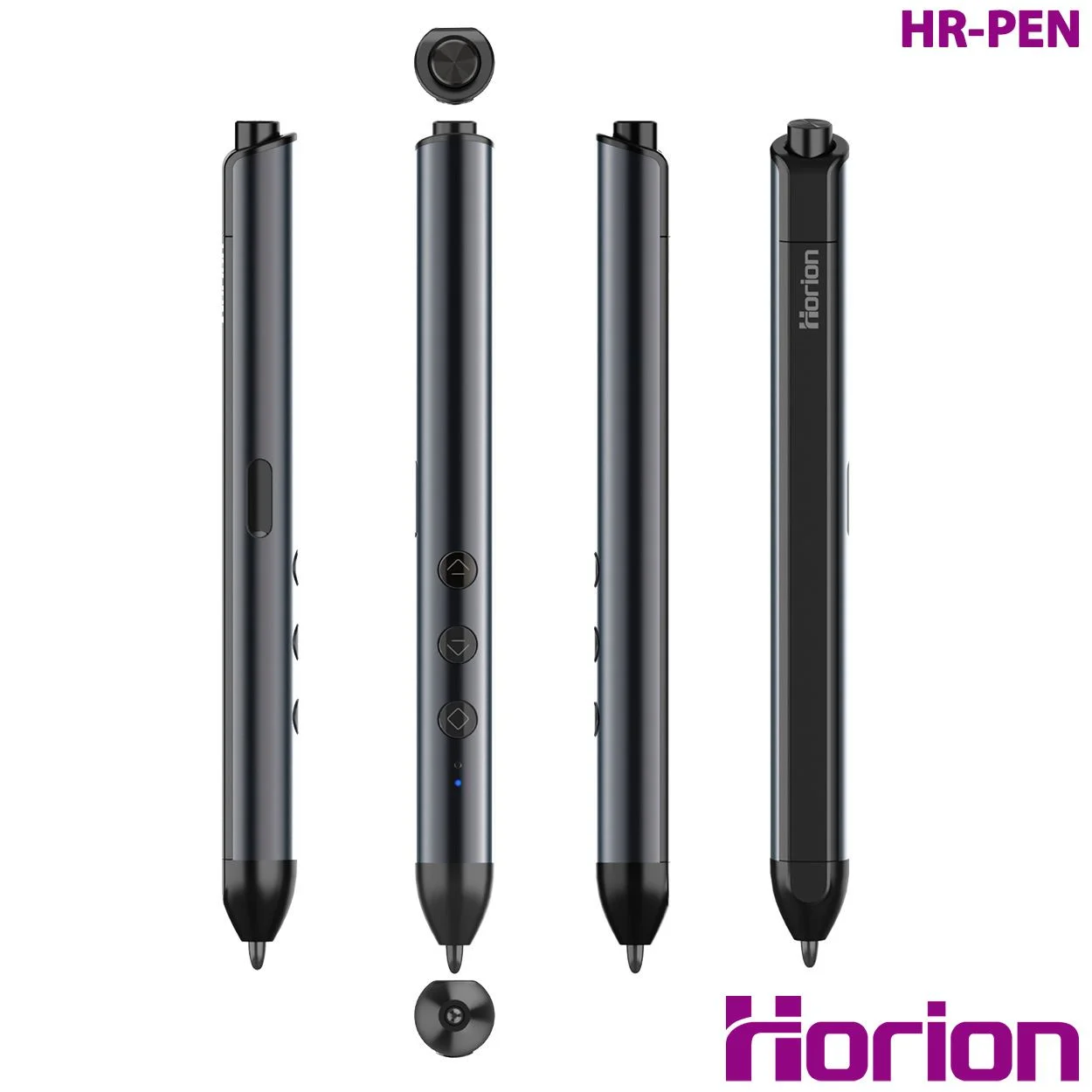
- Simple to use: A three-button combination makes the Horion pen easy to use.
- Patented design: The patented design brings together looks and quality, showing real craftsmanship and technology.
- Comfortable and good-looking: A sleek, understated look in dark gun metal (dark graphite), achieved with sandblasting oxidation. The shape and size are matched to how people naturally hold a pen, so it feels comfortable in the hand.
- Magnetic design: The Horion Smart Stylus Pen has a magnetic design, so you can simply stick it to the board to keep it close to hand.
Smooth writing and note-taking
- Smooth writing: The hemispherical nano tip and sharp tilt angle simulate the natural effect of handwriting, giving you smooth writing and a natural feel.
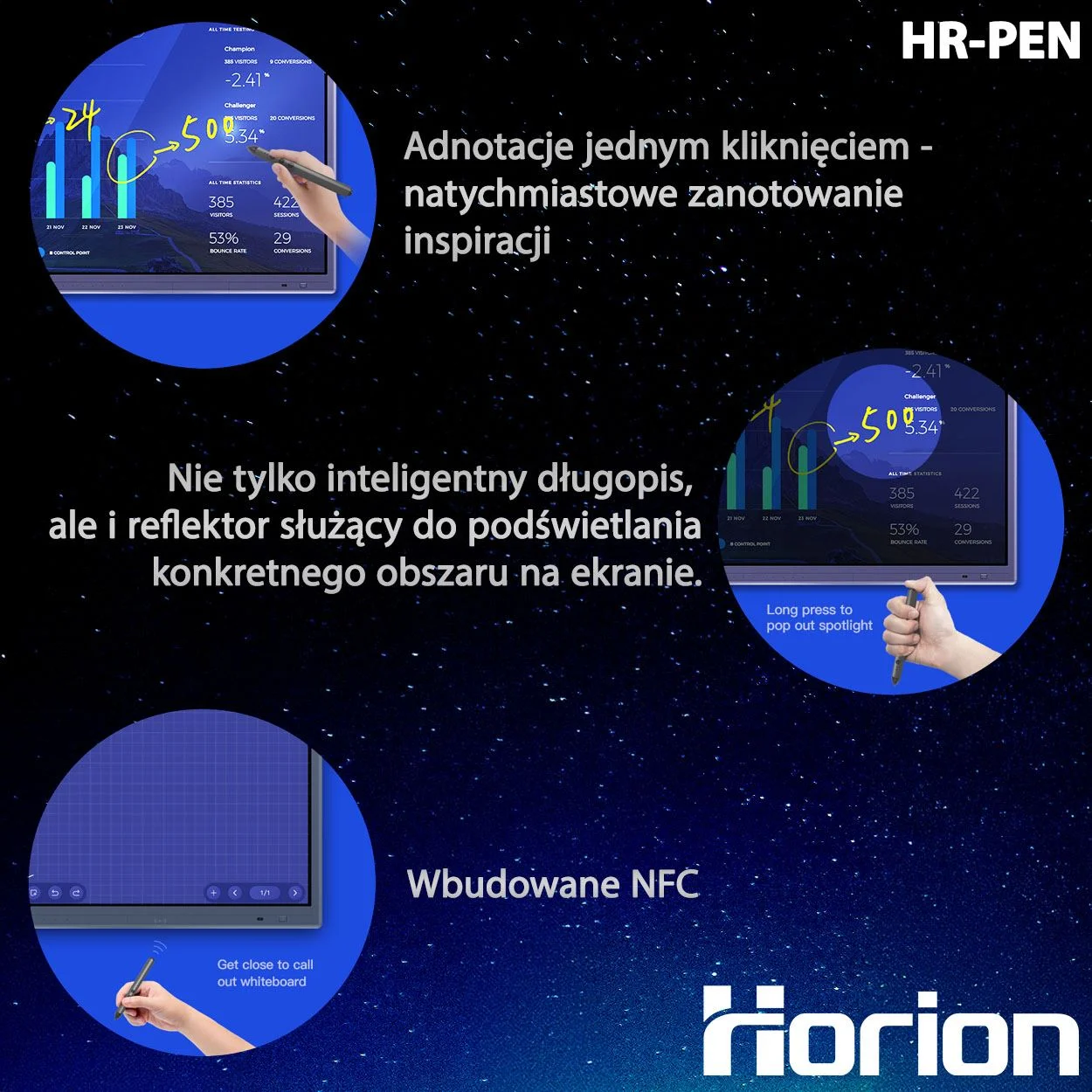
- Annotation mode (one button): Just tap the top of the smart stylus to start annotation mode. You can mark up directly, underline key points and explain your ideas clearly on PPT presentations or images.
Presentation features and remote control
- Pointer (Spotlight Mode): Press and hold the top of the pen to activate pointer mode. It lets you highlight key content precisely and clearly, keeping everyone in the room focused on the same point.
- Whiteboard display: Simply bring the pen close to the NFC area of the interactive panel and tap to open the whiteboard interface, then tap again to go back. This lets you switch freely between interfaces.
- Remote control (Smart Flying Mouse): Press and hold the "fly mouse" button to activate the mouse function; a click works as the left mouse button. It uses an intelligent anti-shake algorithm for precise pointing and remote control of the board. Mouse precision is 1000dpi with a fast response time of 10ms.
- Remote page turning: Flick quickly through PPT slides (up/down) with the arrow keys, with no lag. The remote control range is around 15 metres, which covers most meeting scenarios.
Voice control and battery life
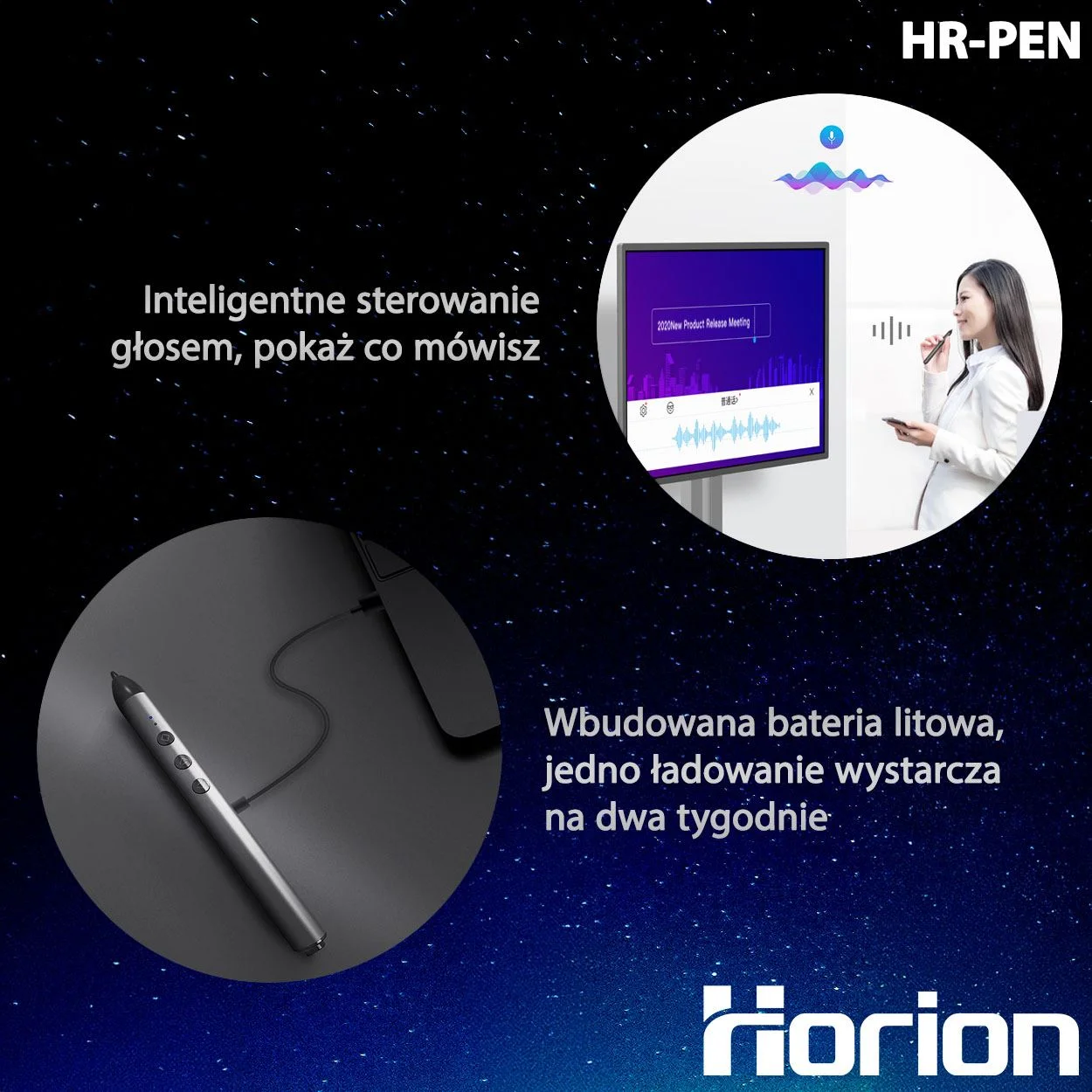
- Voice control: The Horion Smart Touch Pen supports voice control, with automatic speech recognition so you can enter content without typing, which makes for more efficient meetings.
- Long battery life: The built-in high-capacity lithium battery gives you 2 weeks of use on a single charge.
- Fast charging: 1.5h
- Battery life: 2 weeks
- Continuous clicking: 10h
Recommended accessories